|
|
Note: I am using a 600 x 600 blank gif. Bezier is like Polyline. They both need more then three sets of parameters which draw from one coordinate to the next. It's as if it were drawing a dot to dot picture. However, unlike Polyline, Bezier creates curves. You remember those? Here is a simple one done with polygon using these parameters: 300,10 0,300 300,600 600,300 300,10. 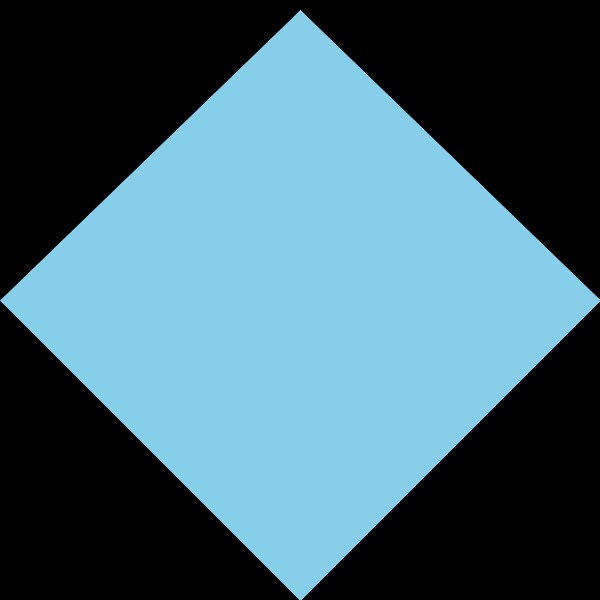
Now lets see what happens when we use the exact same parameters but change it from Polygon to Bezier. 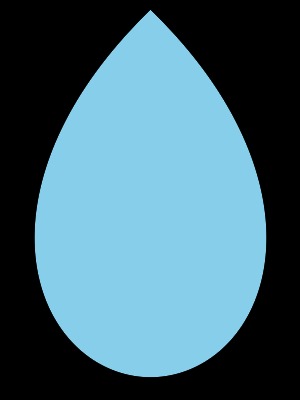
What I have noticed is that any parameter other than the start or end will curve. I also realized that Bezier is a difficult Primitive to explain and sometimes to use. A simple shape like a diamond or tringle will turn into a teardrop with Bezier. Let's see what happens when we do a square. I am using these coordinates with polygon or polyline: 300,20 0,20 0,300 0,600 300,600 600,600 600,300 600,20 300,20 ( I added a coordinate between the corners for stability, I probably didn't need them though) I then switched to Bezier with a lighter green over the poloygon. Look below. 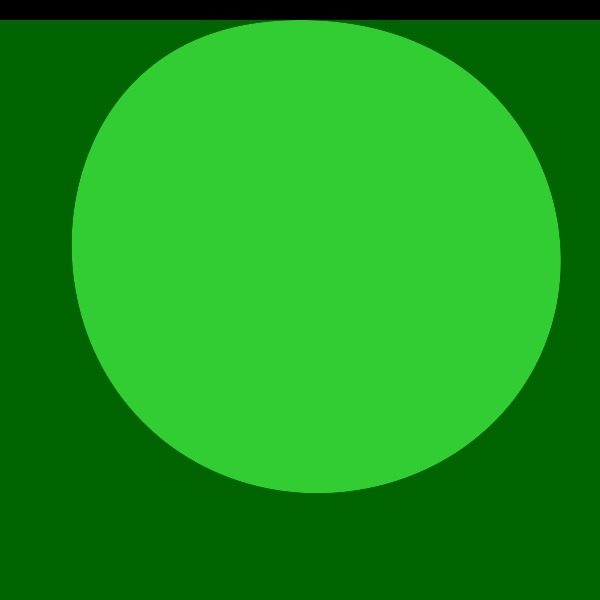
The Polygon covers the entire blank gif while the Bezier curves inward except where the circle is connected at the top where I began. I believe the beginning coordinate is a fixed point and every other coordinate curves around it creating whatever shape that appears. We will next do a Heart. It is best done in two parts if you wanted the bottom to be pointed. Remember, every coordinate curves inward except for beginning and end. I will be using these coordinates: 300,170 50,0 0,450 300,580 for a polygon. 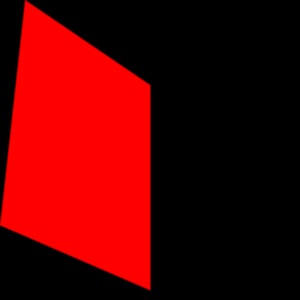
With me using the exact same coordinates or Parameters I will now choose Bezier. 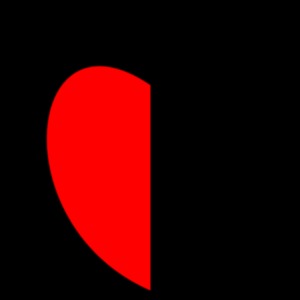
Do you see how the beginning and End meet in a straight line where all others coordinates curve inward. If I had completed the heart in one step it would curve at the bottom. If you like that and that is what you want, then doing it in one step is what you should do. I did it in two parts by flopping the image and use the same Paramters for a mirror half completing the heart. I ususally cut off the extra around the image that is not needed. 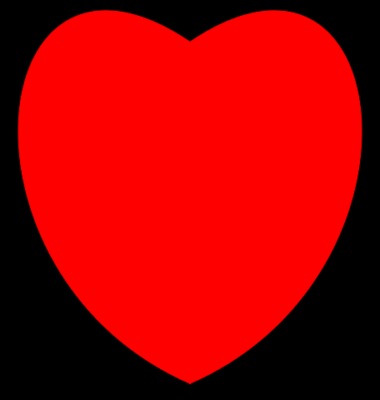
I hope this has helped you in some way to understand how Bezier works. I suggest you play around with it trying different coordinates to see what happens. Who knows you may discover something. Enjoy! Susanna M |
|
| |